Context
CalorieTracking is an iPhone app built for Frost Nova, for keeping track of the day’s calories and macronutrients. What sets it apart is AI meal scanning: you photograph the plate and the app fills in the numbers.
The idea
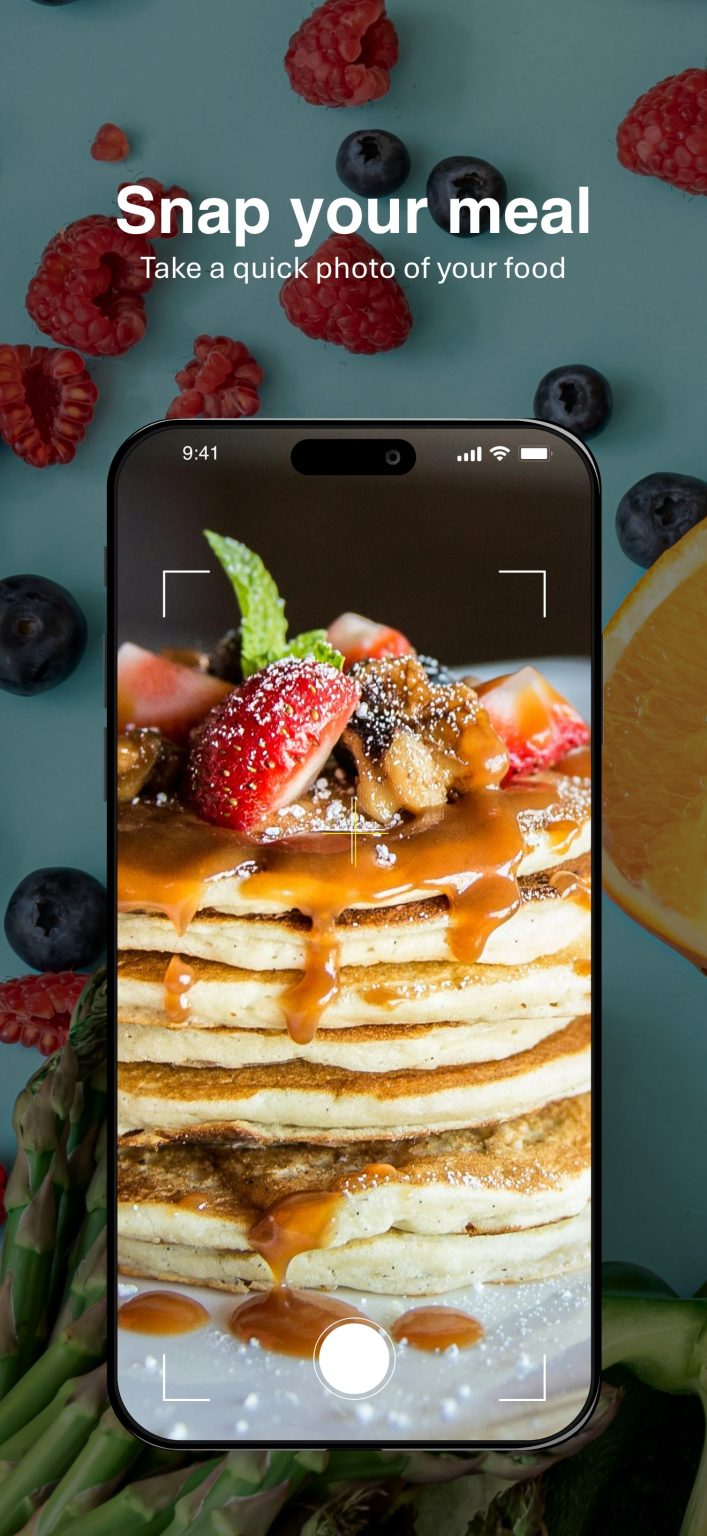
In a calorie app, one step comes round at every meal: logging it. That is where we put the AI, so a meal can be added from a photo, with no typing.
Beyond that, the app needed everything someone counting calories relies on:
- an account, with registration, sign-in and password recovery;
- a questionnaire on first launch that sets the daily target from the person’s details, current weight and goal weight;
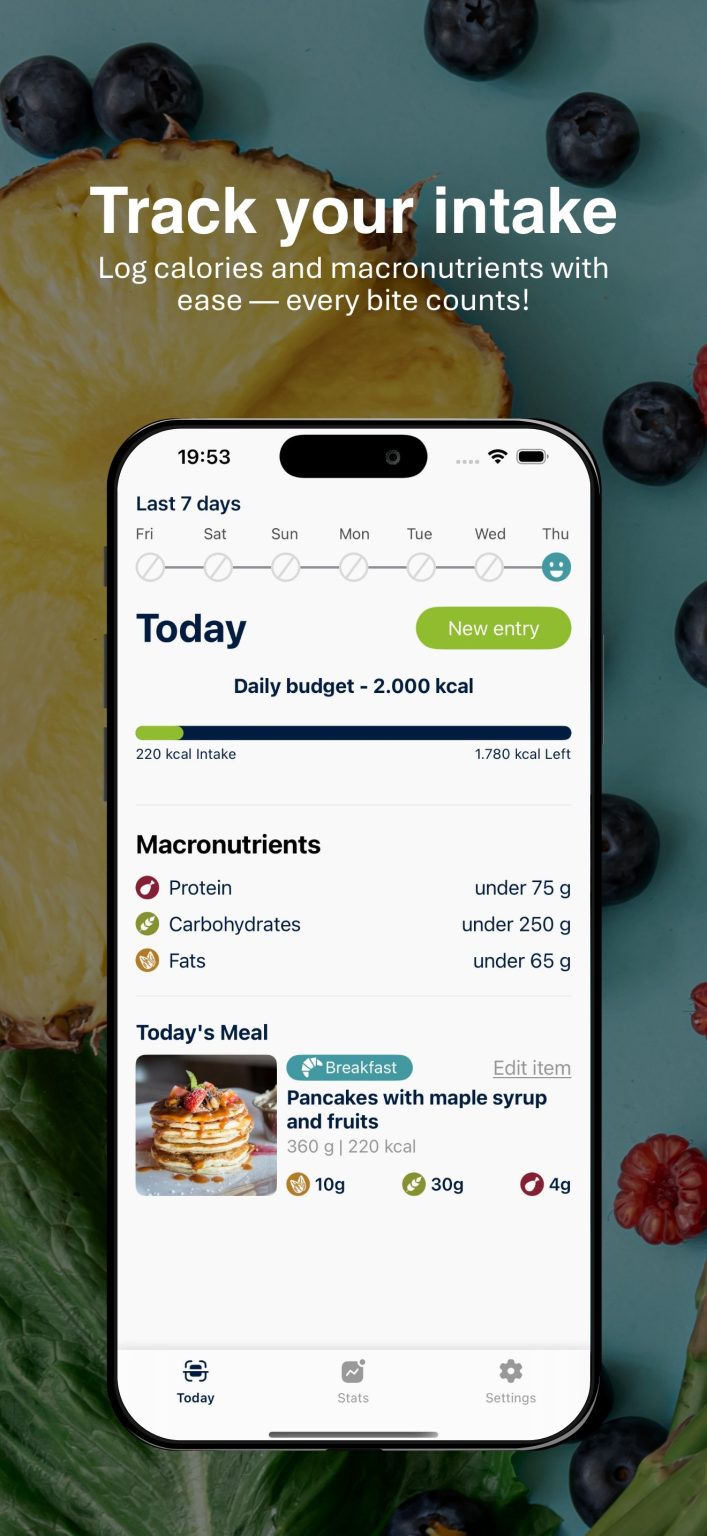
- the day screen, with calories eaten against the target, and the macronutrients;
- adding a meal by hand, for anyone who prefers it;
- notifications that can be switched off in the settings.
What we built
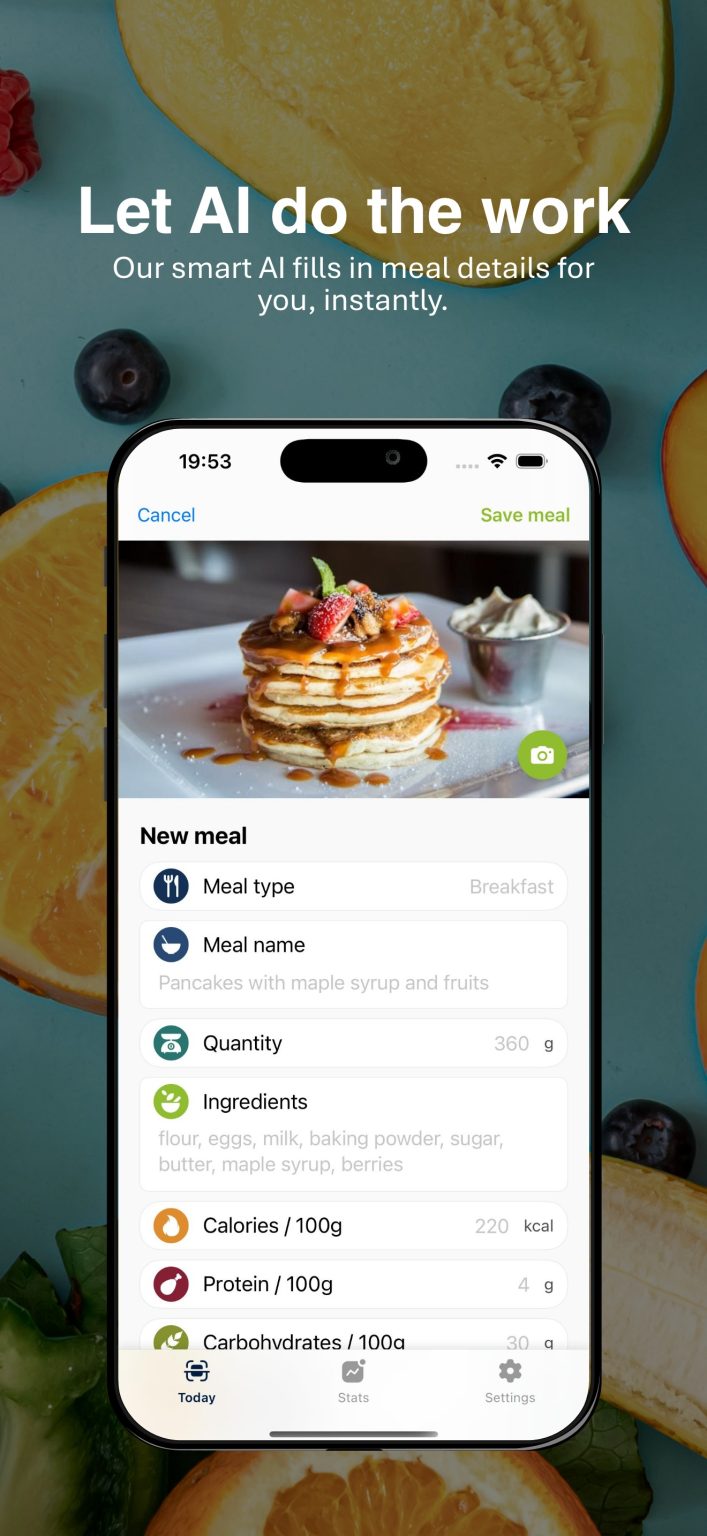
AI meal scanning. You photograph the plate in the app, and the AI recognises the dish, estimates the quantity and ingredients, and fills in the calories and macronutrients. Every field can be corrected, and the meal is saved only once you confirm it. Anyone who prefers can add it by hand.
The day screen shows how much you have eaten against the target, the macronutrients and the list of meals. A new meal is added from here too.
The opening questionnaire is made of cards, with a progress bar and a weight picker designed especially for it.
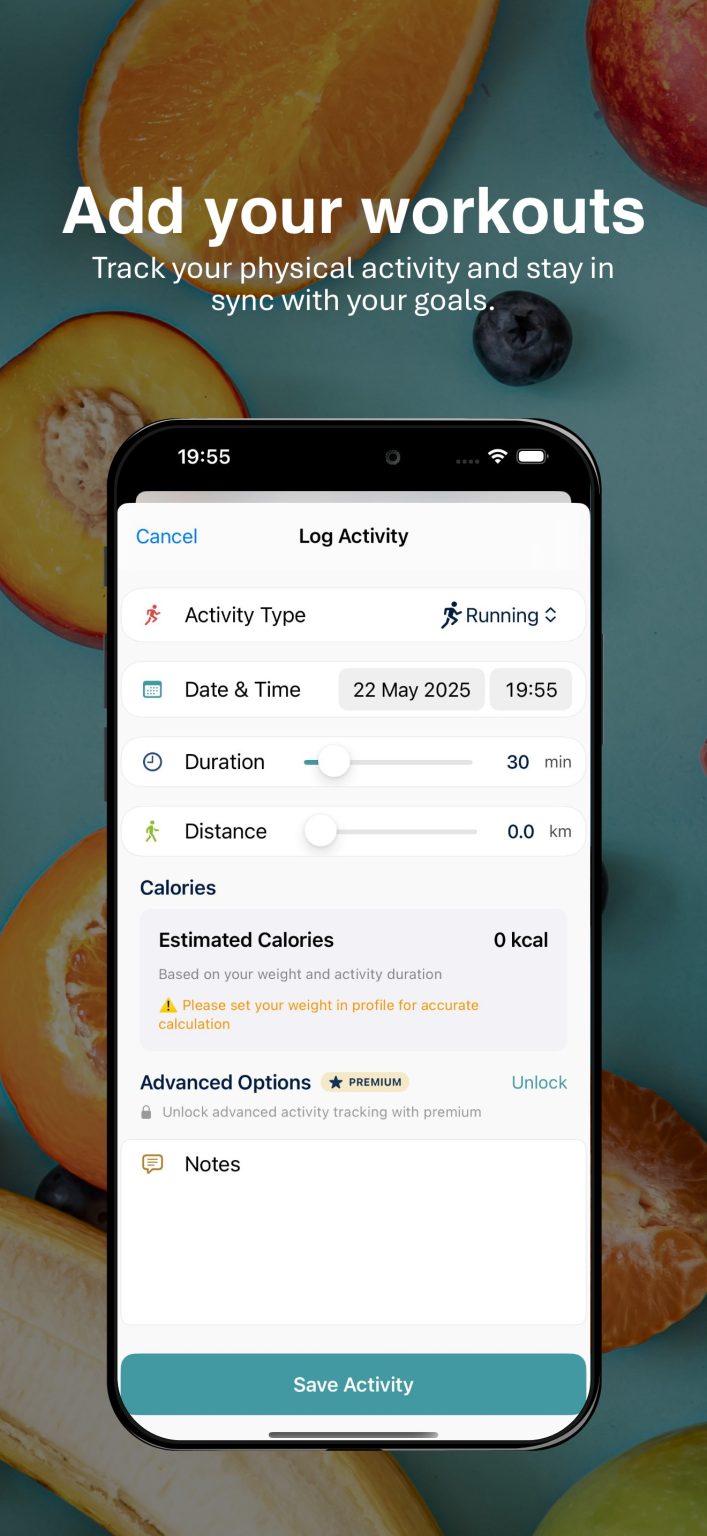
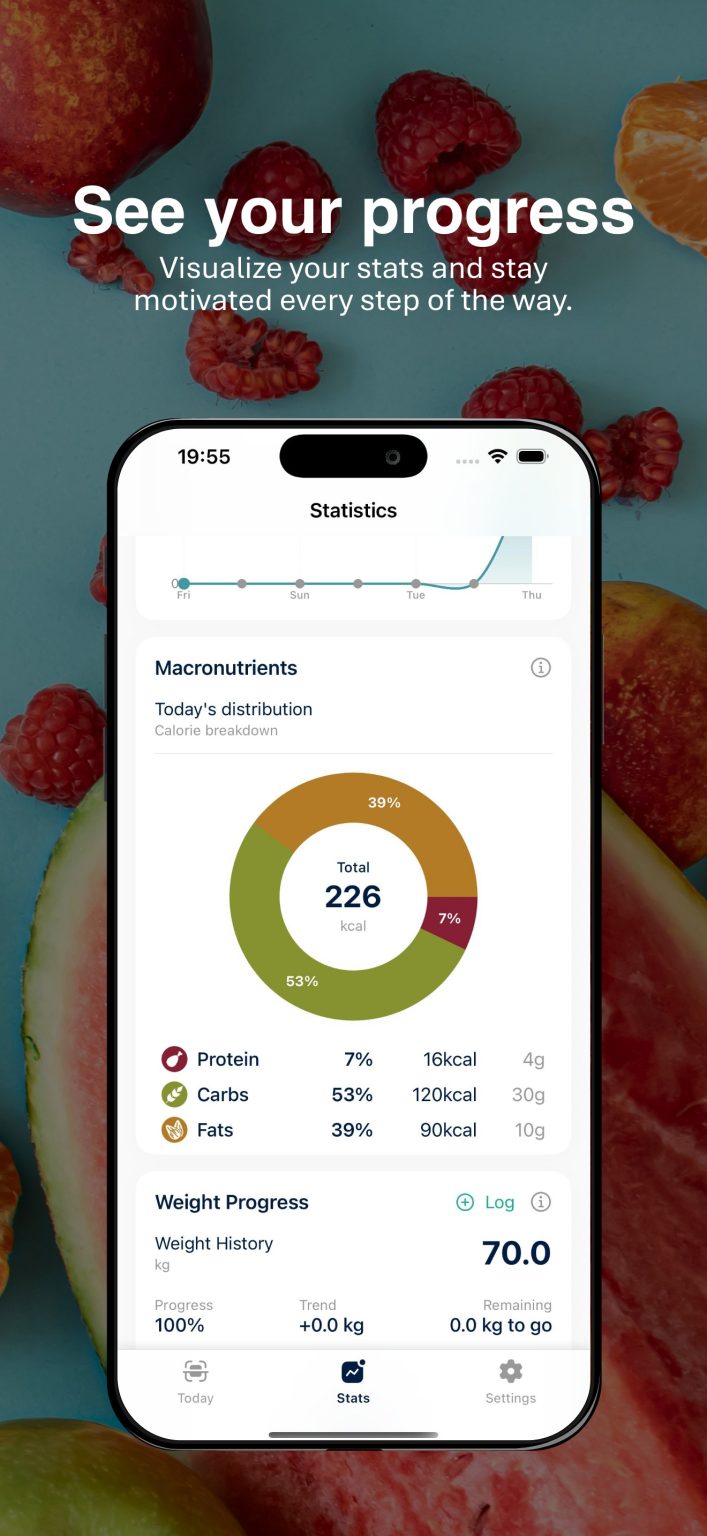
Workouts and statistics. A workout is logged with its type, duration, distance and estimated calories. The statistics show how the macronutrients split and how weight changes over time.
The account and notifications run through Firebase: registration, sign-in and forgotten password. Error messages are written in plain language, and notifications can be switched off in the settings.
The app is native iOS, written in Swift and SwiftUI. Each part of it (the account, the questionnaire, meals, settings) keeps its own code, so a new feature can be added without touching the others. Every screen uses the same colours, typefaces and components, defined once.